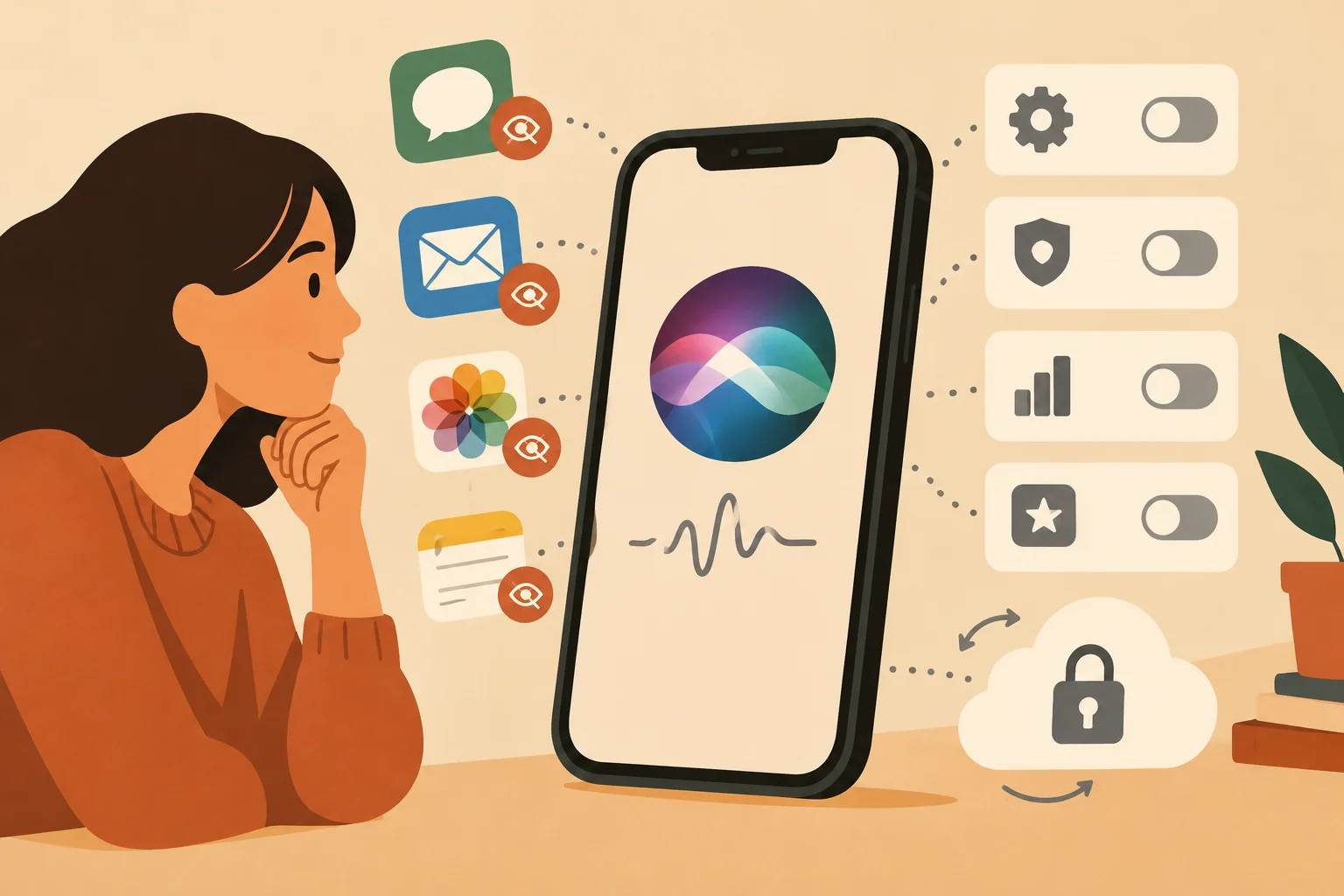
Apple’s update merges Spotlight and Siri into a single AI-powered interface, increasing what Siri can read and summarize across apps, EFF warns.
Limit app access: Open Settings > Apps > [app] > Search and turn off “Show Content in Search” to keep that app out of general Siri results. You can also review Settings > Siri > App Access for personalization toggles, though that page doesn’t revoke content indexing.
Stop training use: Turn off Settings > Privacy & Security > Analytics & Improvements > Improve Siri & Dictation to opt out of sending your Siri interactions for Apple’s model training.
Revert features: Use Settings > Screen Time > Content & Privacy Restrictions > Siri > Allowed Siri Version to choose “Siri Classic” and disable other Apple Intelligence features.
Know the gaps: EFF highlights on-screen awareness can capture what’s visible and may be sent to Apple’s Private Cloud Compute (PCC), and currently users and many apps can’t block that.